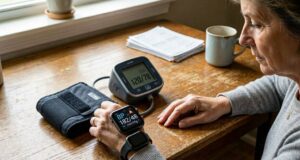
The integration of medical analytics into commercial wearables has completely altered personal health tracking. Consumers no longer wait for annual clinic checkups to understand their cardiovascular trends; instead, they glance at their wrists. However, this ecosystem relies entirely on a fragile digital bridge: Bluetooth Low Energy (BLE) connectivity.
Unlike a heart rate monitor that tracks basic rhythms, a cuffless blood pressure (BP) smartwatch generates complex, high-volume biological datasets. This data must sync flawlessly with a smartphone companion application to process mathematical models, track calibration trends, and produce readable charts.
When the wireless connection fails, the device loses its functionality. Behind the convenience of wearable tech lies an emerging crisis of Bluetooth synchronization errors, data packet drops, and operating system conflicts that complicate hypertension management.
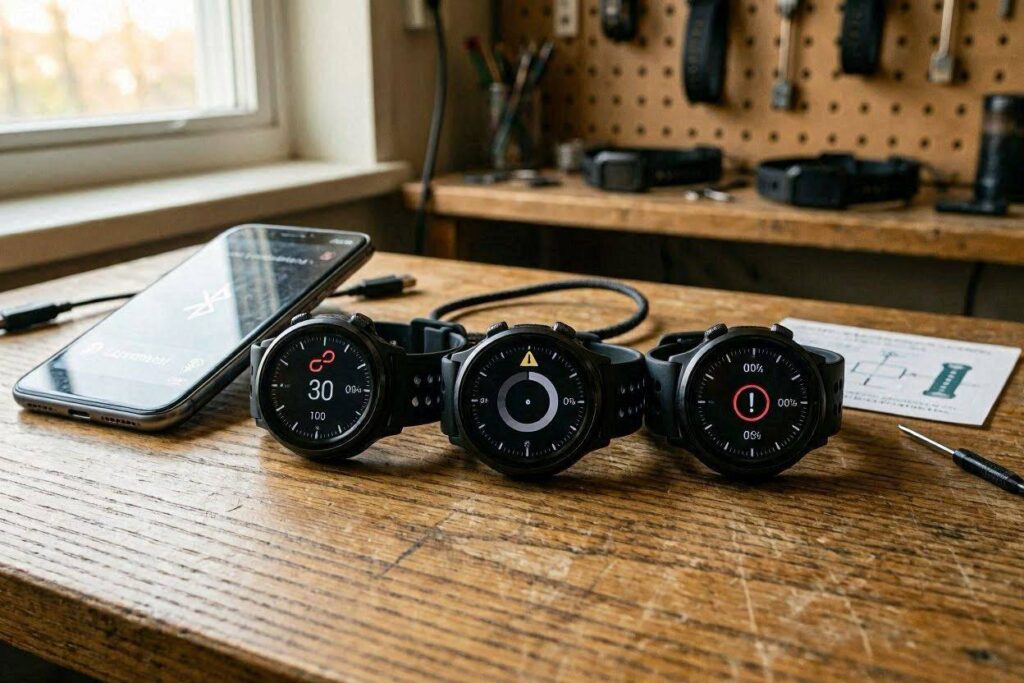
1. The Architecture of BLE Health Syncing (And Where It Breaks)
To understand why blood pressure smartwatches drop connections frequently, it helps to look at how data travels between devices. To save battery, modern wearables do not maintain a continuous, high-power wireless connection. Instead, they use BLE to send data in short, intermittent bursts.
[Watch Sensors Capture Vitals] ──> [Data Compressed into Packets] ──> [BLE Transfer Burst] ──> [App Decompresses & Graphs]
A standard blood pressure reading is not just a set of two numbers; it includes pulse wave contours, raw optical sensor signals, time stamps, and movement data. This information is compressed into data packets and sent across the airwaves. This transfer process faces several physical and digital vulnerabilities:
Band Saturation and RF Interference
Bluetooth operates on the 2.4 GHz industrial, scientific, and medical (ISM) radio band. This frequency band is incredibly crowded. Home Wi-Fi routers, microwaves, smart home appliances, and even gym equipment all compete for the same space. When you attempt to sync vital data in a crowded room or office, signal collisions can corrupt the data packets, causing the app to reject the transmission.
Aggressive Operating System Power Management
Both Android and iOS have introduced highly restrictive background processing rules to preserve smartphone battery life. If a health companion application runs in the background without being actively opened, the phone’s operating system may place it into a “deep sleep” state. When the watch attempts to upload an automated background blood pressure reading, the phone ignores the incoming BLE request, resulting in a silent sync failure.
2. New Technical Issues Surfacing in Wearable Ecosystems
As manufacturers add more features to health watches, engineers are running into new technical bottlenecks that go beyond simple pairing issues.
1. Data Dropouts During Background Monitoring
The latest generations of blood pressure smartwatches aim to move away from manually triggered readings toward passive tracking while you sleep or rest. This creates a massive amount of data.
Because smartwatches have very limited internal storage, they rely on a constant cycle of offloading data to the phone. If a Bluetooth connection drops during the night due to physical obstruction (such as sleeping on your arm), the watch’s internal cache overflows. When the memory fills up, the device is forced to overwrite older readings, causing permanent gaps in your physiological history.
2. Encryption and Security Handshake Overhead
Because blood pressure metrics are classified as sensitive health data under privacy regulations, manufacturers are required to use heavy encryption algorithms before transmitting data over Bluetooth.
Every time your watch connects to your smartphone, it must perform a secure cryptographic handshake. If there is a slight delay in signal timing or an outdated encryption key, this handshake fails. The user is then left staring at a generic “Device Disconnected” error screen, completely unaware that a security protocol blocked their data transfer.
[Watch Encryption Trigger] ──> [Delayed Cryptographic Handshake] ──> [Connection Timeout] ──> [Sync Error Screen]
3. Firmware-OS Compatibility Drift
Smartphone operating systems update frequently. A security patch or a minor update to a phone’s Bluetooth system can completely break compatibility with a smartwatch manufacturer’s custom app. This creates a problem where a device that worked perfectly one day suddenly refuses to pair the next, leaving users waiting weeks for the wearable company to release a matching software fix.
3. Clinical and Psychological Consequences of Connection Drops
A dropped wireless connection might seem like a minor tech annoyance, but when it involves medical tracking, it introduces real health risks.
- Broken Historical Trends: Managing hypertension effectively requires looking at long-term trends over weeks and months. When Bluetooth dropouts erase days of readings, the final health reports become fragmented. A doctor looking at this incomplete data might struggle to make accurate adjustments to blood pressure medications.
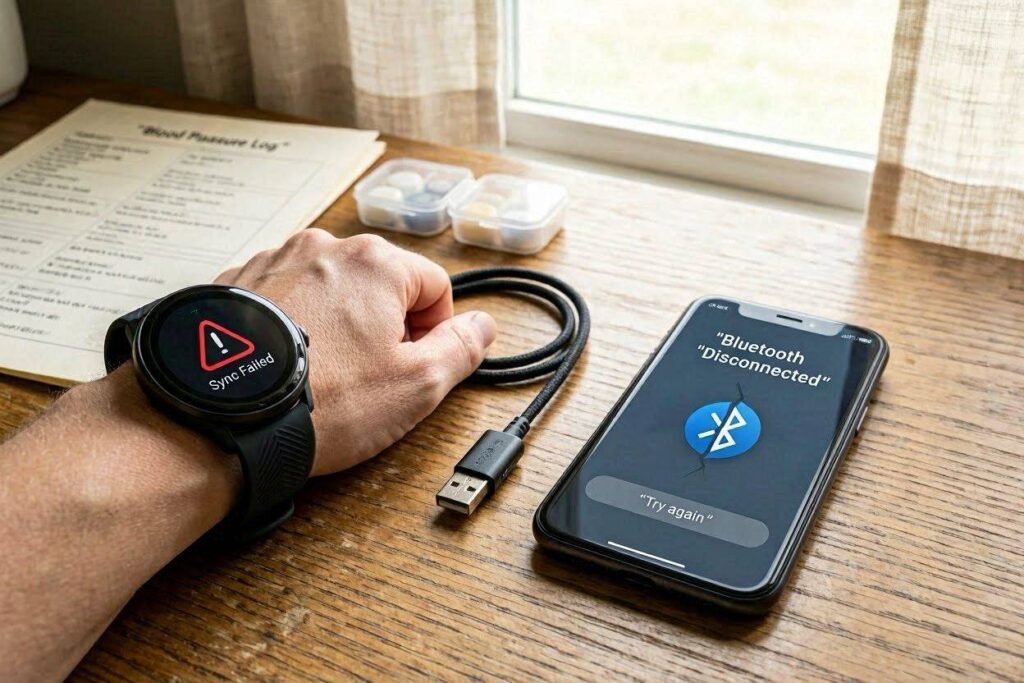
- Increased Health Anxiety: For high-risk individuals, seeing a “Sync Failed” or “Monitor Not Found” alert during an intended health check can trigger immediate stress. This panic can cause a real physical spike in blood pressure, turning a simple software bug into a physical health trigger.
- The Broken Calibration Anchor: Most blood pressure smartwatches require regular manual calibration against a traditional arm cuff. This calibration data must be sent from the phone app back to the watch via Bluetooth. If the connection fails during this phase, the watch operates on uncalibrated, outdated algorithms, leading to highly inaccurate readings.
4. Troubleshooting and Connection Recovery Protocol
If your blood pressure wearable is experiencing frequent connection drops or refusing to sync data, follow this structured recovery routine to restore a stable connection:
Phase A: Clearing the Digital Cache
- Toggle the Radios: Turn off Bluetooth on your smartphone, wait ten seconds, and turn it back on. Repeat this process on your smartwatch settings menu.
- Force-Stop the App: Do not just swipe the companion health app away. Go into your smartphone’s system settings, find the application, and select “Force Stop” to clear out any frozen software processes.
- Clear Network Cache: If pairing fails repeatedly, open your phone’s Bluetooth settings, locate your specific watch ID, and tap “Forget This Device.” This removes any corrupted security keys.
Phase B: Adjusting System Permissions
- Grant Location Access: On Android platforms, BLE scanning is explicitly tied to location services. You must set the health app’s location permissions to “Allow All the Time” or the phone will block background Bluetooth searches.
- Disable Battery Optimization: Open your phone’s battery settings and switch the health companion app from “Optimized” to “Unrestricted.” This prevents the phone’s operating system from shutting down the wireless connection when the screen is turned off.
5. The Future of Wearable Data Transfer
To fix these ongoing Bluetooth connectivity issues, the wearable industry is looking at new wireless technologies.
Many engineers are pushing for the inclusion of low-power Wi-Fi sync options directly within health wearables, allowing smartwatches to bypass smartphones entirely and upload vital data securely to encrypted cloud health profiles. Additionally, upcoming updates to the Bluetooth standard aim to introduce dedicated medical data paths that prioritize vital statistics over standard notifications, reducing data loss in crowded signal environments.
Until these advanced wireless standards become common, treat the Bluetooth connection on your health watch as a tool that needs regular maintenance. Never rely solely on automated background transfers. Take a moment each day to open your health application, confirm the wireless sync is active, and verify that your historical data is logged safely. Convenience should never get in the way of reliable health tracking.