Tracking vital signs has moved from the doctor’s office directly to our wrists. While smartwatches have long tracked heart rates and steps, setting up a blood pressure (BP) watch requires a much higher level of technical precision. Unlike standard fitness tracking, a minor error during the initial configuration of a BP wearable can result in misleading health metrics.
Whether you are configuring a device that utilizes an inflatable micro-cuff or an optical sensor that tracks arterial pulse waves, proper execution is essential. This guide covers the precise configuration sequence, addresses critical updates regarding regulatory approvals, and breaks down the real-world operational challenges users face today.
1. The Core Architecture: Understanding Your Device Type
Before initiating the setup process, it is important to identify the underlying technology of your wearable. This classification dictates your configuration workflow.
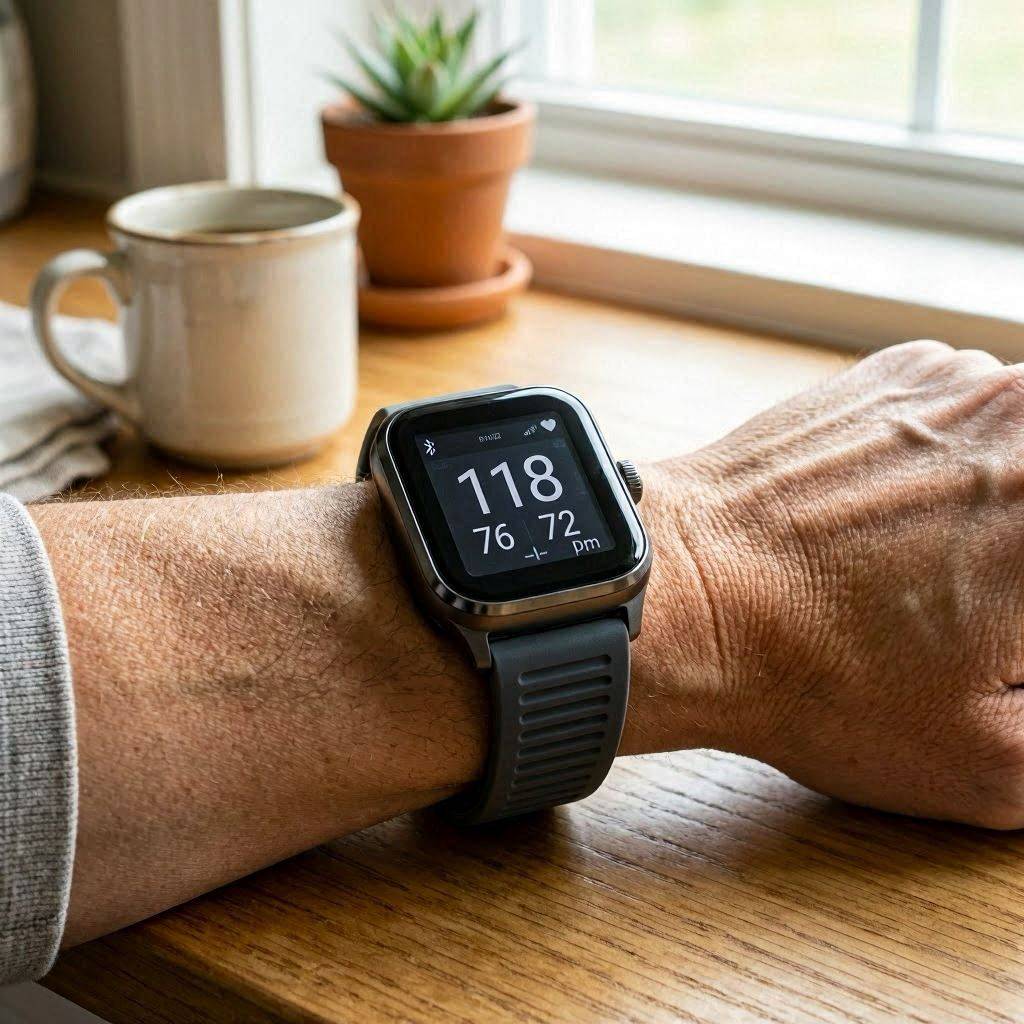
- Oscillometric (Inflatable Cuff) Watches: Devices like the Omron HeartGuide feature an integrated, miniature airbag inside the watch band. These physically compress the radial artery, measuring actual pressure waves in millimeters of mercury ($mmHg$).
- Photoplethysmography (PPG) Optical Estimation: Popularized by mass-market brands like Samsung and recent implementations cleared for tracking health trends, these use light sensors to look at blood flow patterns. They rely on complex algorithms and mathematical models, such as Pulse Transit Time (PTT) or Pulse Arrival Time (PAT), to estimate blood pressure relative to a baseline.
2. Step-by-Step Initial Setup Protocol
To ensure data integrity, execute the configuration sequence in the exact order detailed below. Skipping prerequisites or misordering steps will compromise the calibration baseline.
Step 1: Physical Placement and Component Inspection
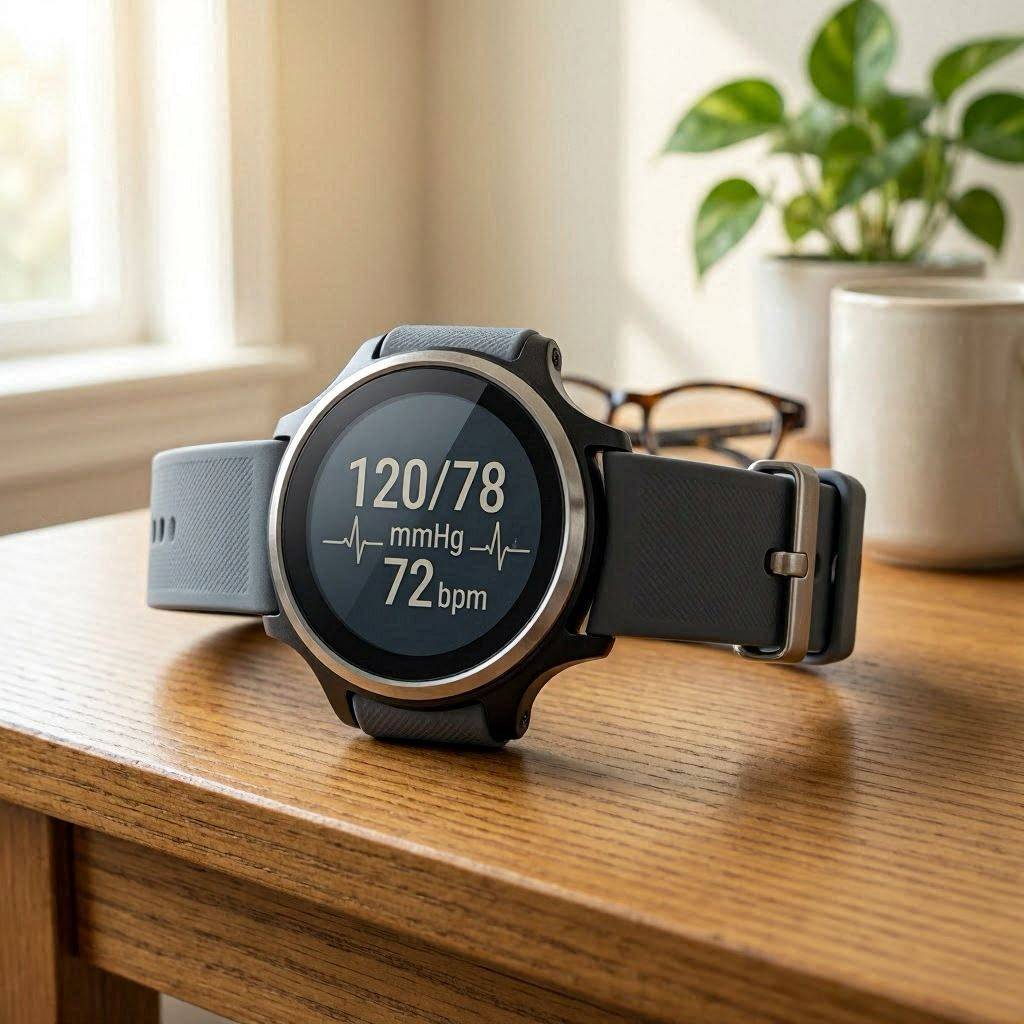
Inspect the watch band for micro-tears if using an inflatable model. Fasten the device onto your non-dominant wrist. The housing must sit exactly two finger-widths above the ulnar styloid (the prominent wrist bone).
The fit must be snug; if the optical sensor loses direct contact with the skin during a pulse emission, the algorithm will register a “motion artifact” error and terminate the reading.
Step 2: Main Application Pairing and Demographic Syncing
Turn on your smartphone’s Bluetooth and open the companion health application. Pair the wearable device.
Navigate immediately to the profile settings. Enter your exact age, height, weight, and biological sex. PPG algorithms heavily weight these baseline demographic data points to calculate estimated peripheral resistance; entering inaccurate profile data directly skews the mathematical output of your readings.
Step 3: The Baseline Calibration Sequence
If your watch uses optical sensors, it must be calibrated against a traditional, medically validated upper-arm blood pressure cuff.
- Sit quietly in a chair with back support for five minutes. Keep your feet flat on the floor and do not speak.
- Place the traditional arm cuff on your opposite arm, positioned at heart level.
- Initiate the blood pressure test on the arm cuff and the smartwatch simultaneously (or in the exact sequence prompted by your application).
- Read the physical output from the arm cuff ($Systolic / Diastolic$) and type those exact numbers into the calibration screen of your smartwatch app.
- Repeat this process three times consecutively if requested by the software to create a stable mathematical baseline.
3. Emerging Technical Issues in Modern Wearable Tech
The landscape of wearable health tech has shifted dramatically over the last few years. While the convenience of cuffless tracking is undeniable, recent clinical investigations have highlighted serious underlying technical anomalies that users must look out for.
The Problem of “Calibration Drift”
Optical BP watches do not measure blood pressure directly; they measure the velocity of blood flow and guess the pressure based on your last manual calibration. Over a period of 14 to 30 days, the relationship between your actual arterial wall pressure and the optical light signals changes due to temperature, arterial elasticity, and ambient moisture.
This causes Calibration Drift, where the watch continues to output normal readings even if your actual blood pressure has spiked or plummeted. Without a mandatory monthly hard reset using an arm cuff, the data becomes functionally obsolete.
Sensor Bias Across Diverse Skin Tones
A persistent challenge for PPG optical sensors is light absorption. Darker skin tones contain higher levels of melanin, which absorbs green light frequencies more readily than lighter skin tones.
If the companion software does not dynamically scale the LED output intensity, the signal-to-noise ratio drops. This can cause the watch to generate false positives or completely miss critical shifts in cardiovascular stress for individuals of diverse ethnic backgrounds.
4. Clinical Challenges and the Reality of Smartwatch Accuracy
Understanding how to read the watch’s data output is just as important as knowing how to turn it on. Recent real-world studies published in major medical journals highlight a significant gap between marketing promises and clinical reality.
Screening Tool vs. Diagnostic Replacement
In late 2025, major tech firms received regulatory clearances for advanced hypertension notification systems. However, these features are explicitly gated.
Important Regulatory Limitation: Regulatory bodies clear these features only to identify undiagnosed signs of high blood pressure in the general population. They are not cleared for individuals who have already been diagnosed with hypertension, as the sensors are not precise enough to adjust medical dosages.
Recent modeling data applied to large-scale health surveys shows that mass-market watches can miss a significant percentage of true hypertensive events. Conversely, false alarms can cause unnecessary anxiety, driving users to seek emergency care for harmless data spikes.
The “Central Tendency” Error
Because these devices calculate values based on a static resting calibration point, their accuracy degrades significantly when your body experiences sudden physiological shifts. If your blood pressure spikes during a stressful meeting or drops after heavy exercise, the watch algorithm often defaults toward your average resting value. It detects the direction of the change, but frequently underestimates its magnitude.
5. Practical Optimization Checklist for End-Users
To ensure your device performs at its highest possible accuracy, implement the following operational standards:
- Enforce a 28-Day Recalibration Cycle: Do not wait for the companion application to prompt you. Set a recurring calendar reminder every four weeks to run a full three-step calibration with a validated upper-arm cuff.
- The Position Rule: When taking an on-demand reading from your wrist, always rest your elbow on a table and raise your wrist until the watch is at the exact horizontal level of your heart.
- Manage Data Overload: Treat a sudden high reading as a prompt to check your vitals with a standard medical device, not as a definitive medical emergency. Always consult your primary care provider before altering any wellness routines based on wearable data.
By adhering to this systematic approach, you can successfully bypass the common configuration pitfalls that plague early adopters, transforming a standard wearable into a reliable baseline health indicator.