The integration of medical analytics into consumer wearables has made health tracking highly accessible. Users can actively monitor blood pressure (BP) trends, heart rate variability, and blood oxygenation directly from their wrists. However, this ecosystem relies completely on a vulnerable physical requirement: continuous electrical replenishment.
Unlike general-use smartwatches, a cuffless blood pressure watch operates under heavy computational loads. Running complex optical tracking arrays, processing pulse transit time (PTT) calculations, and driving multi-wavelength photoplethysmography (PPG) sensors requires substantial battery power.
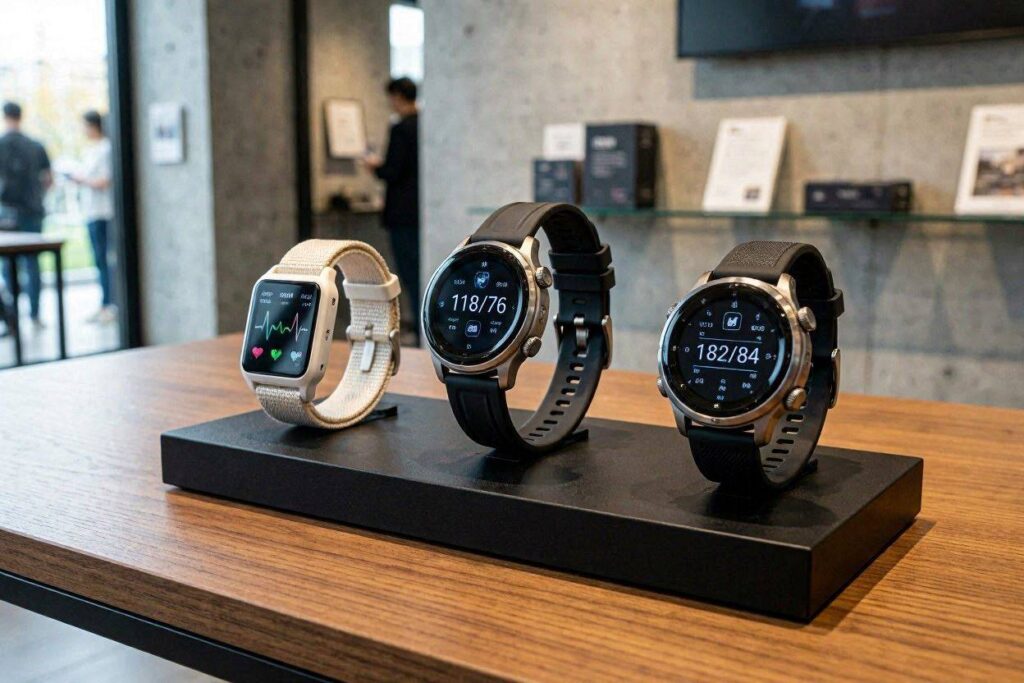
When a blood pressure watch stops charging, it becomes unusable, leaving users without access to their health tracking data. This technical overview examines the causes behind smartwatch charging failures, contact degradation, and firmware bottlenecks, detailing how to resolve these issues to maintain reliable device performance.
1. The Engineering of Wearable Charging (And Where It Fails)
To keep devices slim and water-resistant, manufacturers avoid deep USB ports on the back of smartwatches. Instead, they use a flat connection system: magnetic charging docks paired with exposed brass or gold-plated contacts (Pogo pins).
[Power Adapter] ──> [Magnetic Dock / Pogo Pins] ──> [Exposed Watch Contacts] ──> [Internal Battery PMIC]
This structural design saves space, but it exposes the charging pathway to several physical and chemical risks:
Galvanic Corrosion and Sweat Attack
Because a blood pressure watch is worn flush against the skin to capture accurate arterial pulse waves, the underside of the device is constantly exposed to sweat, oils, dead skin cells, and daily lotions.
Sweat contains sodium chloride, an electrolyte. When the watch is placed on a live charging dock while even a microscopic film of moisture remains on the contacts, an electrochemical process called galvanic corrosion takes place. This process degrades the gold plating, creating a dark, non-conductive layer of copper oxide over the pins that completely blocks electrical current.
Mechanical Spring Fatigue of Pogo Pins
Most magnetic chargers use Pogo pins—tiny, spring-loaded metal tubes that compress when the watch clicks into place. Over hundreds of charging cycles, these micro-springs can experience mechanical fatigue.
If dust particles or sticky residues wedge into the pin barrel, the pin can become permanently compressed or stuck. When a Pogo pin fails to rebound, it creates a physical gap between the charger and the watch, leading to intermittent connection alerts or a total failure to charge.
2. Emerging Technical Challenges in Modern Charging Design
As charging technology moves toward faster power delivery and safer battery management, engineers are facing complex technical challenges.
1. Thermal Protection Blocks During Accelerated Charging
To minimize the time a watch spends off a user’s wrist, manufacturers have introduced rapid charging protocols. However, pumping higher current into a tiny lithium-ion battery produces significant heat.
Blood pressure watches contain sensitive optical arrays and delicate battery power management integrated circuits (PMICs). If the watch’s internal temperature rises above a pre-programmed threshold (typically 40°C to 45°C) during a charging cycle, the PMIC will trigger a thermal protection block, stopping the intake of electricity to protect the internal components. To the user, the watch appears to have stopped charging entirely, when it is actually protecting itself from heat damage.
2. High-Wattage Brick Incompatibility
Many users try to charge their smartwatches using the high-wattage power bricks that come with modern smartphones or laptops. These fast chargers often use advanced power negotiation systems.
Because smartwatches require a very low, steady current (often just 5V at 0.5A to 1A), the delicate charging circuits in some wearables cannot negotiate correctly with high-power adapters. This can cause the power brick to shut down the current entirely as a safety precaution, leaving the watch uncharged.
[High-Wattage Adapter] ──> [Fails Low-Current Negotiation] ──> [Power Flow Cutoff] ──> [Watch Stays Dead]
3. Firmware Handshake Freezes
Modern smartwatches do not charge passively like simple batteries. When connected to a dock, a digital handshake occurs between the device’s operating system and the charging interface.
If a firmware bug causes the watch’s power subsystem to freeze while the battery is completely empty, the watch enters a “black screen loop.” The software remains frozen and cannot display the charging icon, leaving the user unsure if the issue is a dead battery or broken hardware.
3. Medical and Practical Consequences of Power Failures
A charging failure on a lifestyle tracker is inconvenient, but on a blood pressure watch, it disrupts important health data collection.
- Broken Baseline Analytics: Blood pressure management relies on observing broad trends over weeks and months. When a watch sits dead on a desk for several days, it leaves gaps in the user’s health history, making it harder for clinicians to evaluate real-world cardiovascular patterns.
- Loss of Calibration Data: Many advanced blood pressure watches require monthly calibration against an upper-arm cuff. If a watch loses all battery power and stays dead for an extended period, its temporary algorithmic memory can wipe, forcing the user to repeat the multi-step calibration process from scratch.
- Health Anxiety Spikes: For individuals who rely on continuous monitoring for peace of mind, a sudden device failure can induce stress. This anxiety can cause a real physical spike in blood pressure, showing how a hardware issue can indirectly impact a user’s physical well-being.
4. Troubleshooting and Power Restoration Protocol
If your blood pressure smartwatch refuses to charge or show a charging icon, follow this structured recovery routine to locate and fix the issue:
Phase A: Chemical and Physical Decontamination
- Power Down the Charger: Unplug the charging cable from the wall outlet to prevent any electrical arcing during cleaning.
- Apply Isopropyl Alcohol: Dampen a cotton swab with 90% or higher isopropyl alcohol. Do not use water, soap, or household cleaners, as they leave behind non-conductive residues.
- Scrub the Contacts Gently: Firmly clean the recessed brass dots on the back of the watch and the protruding pins on the charging dock. Inspect the Pogo pins with a magnifying glass to ensure they spring back up smoothly when pressed. Let the components dry completely for two minutes.
Phase B: Power Source Adjustment
- Switch to a Low-Power USB Port: Move the charging cable away from fast-charging wall adapters. Plug it directly into a standard USB 2.0 port on a desktop computer, laptop, or an older, low-wattage (5V/1A) wall plug.
- Check Magnetic Alignment: Ensure the magnets click together cleanly. Small magnetic fragments or metallic dust can stick to the charging base, creating a physical gap that blocks electrical contact.
Phase C: Resolving Software Freezes
- Execute a Forced Hard Reset: If the watch remains unresponsive despite clean contacts, connect it to the low-power USB port. Press and hold the main power button or rotating crown for 15 to 20 seconds. This forces the internal PMIC to bypass frozen software and jumpstart the charging cycle.
5. Summary of Maintenance Practices
| Cause of Failure | Detection Method | Preventative Solution |
| Galvanic Corrosion | Dark green or black film on brass contacts. | Wipe the back of the watch with a dry microfiber cloth after exercising. |
| Pogo Pin Jamming | Charging pins stay compressed or crooked. | Clean with isopropyl alcohol and clear debris using compressed air. |
| Thermal Interruption | Watch feels warm to the touch and stops charging at a specific percentage. | Avoid charging in direct sunlight or unventilated spaces. |
| Software Loop | The watch remains black and unresponsive on the charger. | Perform a 20-second hard reset while connected to a low-power USB port. |
6. The Future of Wearable Power
To resolve the physical vulnerabilities of exposed charging pins, the wearable health industry is shifting toward sealed wireless charging systems.
Future blood pressure monitors are designed to rely entirely on near-field induction coils embedded within the watch body, eliminating exposed metal contacts. This design removes the risk of sweat corrosion and allows for completely sealed, waterproof casings. Additionally, engineers are working on ultra-low-power standby modes that preserve critical calibration data even when the main battery runs out.
Until wireless charging becomes standard across all health wearables, proper physical maintenance remains essential. By keeping your device’s contacts clean, dry, and free of corrosion, you ensure your blood pressure watch stays charged and ready to provide accurate, long-term health tracking.